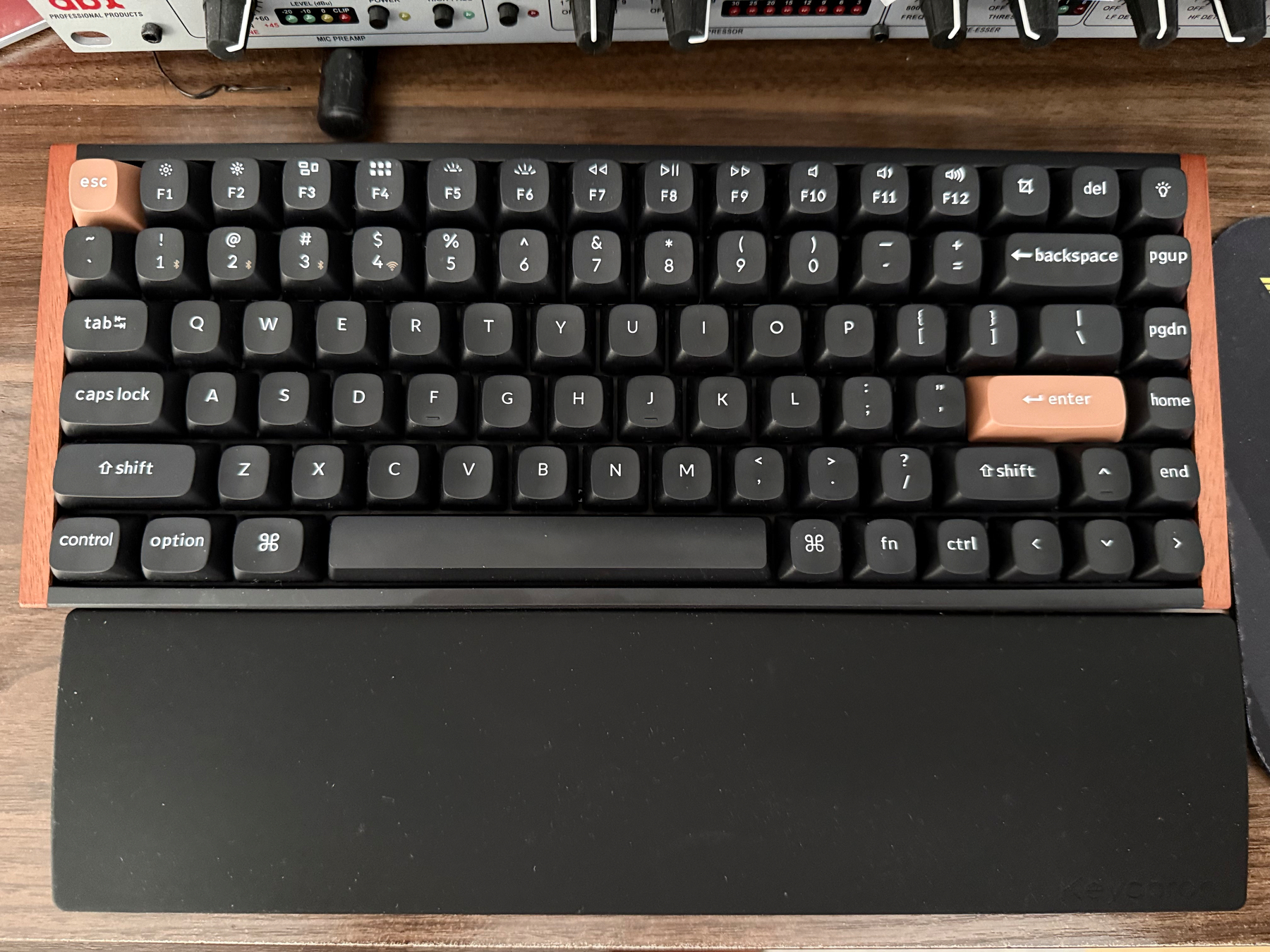
My Logitech MX Keys was starting to get a little flaky, so I decided to splurge on a new keyboard. I’ve always kind of hated the MX Keys, it’s too flat, the battery life is just long enough to be frustrating when I need to charge it, and the backlight would randomly pulse in the middle of the night if I left it on. It was functional, but joyless. Also it came with the MX Master 3 Mouse, which is superb.
So this sent me back to the world of mechanical keyboards. I had one when I worked at Gestalt IT, but when I started working from home, I was told the MX Cherry Brown switches were not appreciated. That keyboard was poorly constructed and super clacky, so I get it. Hence the MX Keys.
But mechanical keyboards have gotten a little more manageable on the sound front with dampening, gaskets, and such, so I decided to go for one again. I was immediately drawn to the Keychron K2 HE, because it pretty.
The HE in the product name stands for “Hall Effect,” something that wasn’t around the last time I was in the keyboard market. It refers to the switches that rely on magnets for actuation rather than a pin making contact with a PCB. Basically, in regular mechanical keyboard switches, each switch has two properties: the force required to press the key and the distance the switch must travel to register a key press. There are other properties, like whether the switch provides tactile or audible feedback on activation. These properties are generally fixed with the switch (I think there are a few clicky switches where you can remove the click). While hot-swappable switches are now fairly common (they used to be soldered to the PCBs), switching them out still requires significant effort and expense. Although anyone into the hobby will tell you that’s half the fun.
Where Hall Effect switches are different is that only the activation force is fixed in the switch. The activation point is entirely determined by software. That’s because the keyboard can detect how far the magnet in each switch is away from the board all the time, as opposed to a mechanical switch where the board is blind until it’s activated. So in software, you can define at what point the switch activates. This also means that there is no mechanical “reset point” you need to hit before the switch can activate again. You can set it so that as soon as the key starts to retract from an activation, it can be activated again. And each switch can be set individually, no need for one-size-fits-all.
Most of this tech is designed for gamers, where reaction time is key, to the point where some have called Hall Effect keyboards cheating. As a typing experience, they are enjoyable. The keys in my keyboard are quite springy, and the feeling is that they push back quite aggressively after you push them down. Although that just may be me being used to the MX Keys rather anemic typing experience.
I short, I got it because it looked pretty and I wanted to try out something that seemed genuinely interesting in keyboard tech. I want to see if any of the programmable key behavior can have uses beyond gaming. I’m interested that you can set different macros on each key depending on how far you press it. I’m not sure how I can use that, but it is genuinely interesting tech.